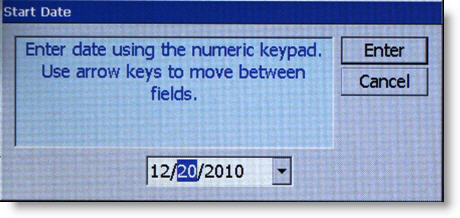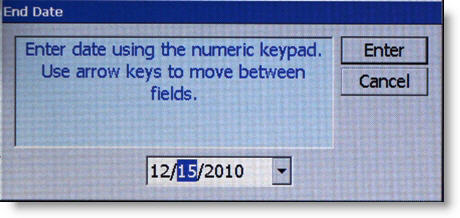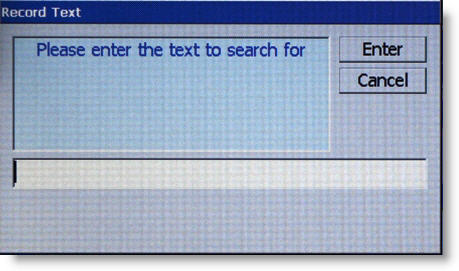
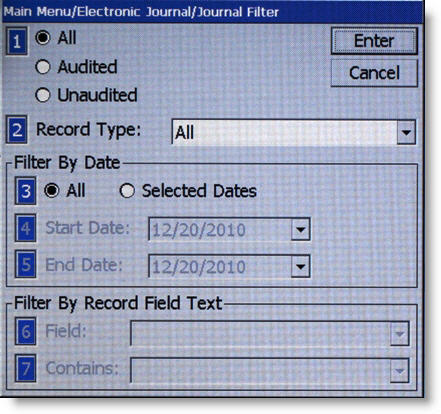
This function generates a management report of journal entries that match a user-defined set of filtering parameters. The Display Selected Records option allows the terminal operator to perform the following functions:
Filter By Date
Filter By Record Field Text
The report is displayed in a management report dialog that can be printed to the receipt printer or saved to an external memory device. The journal files are saved in a text (.txt) format. They can be viewed by a text editor. There is not an option (prompt) to mark unaudited records that are displayed, printed, or saved as audited using this command. |