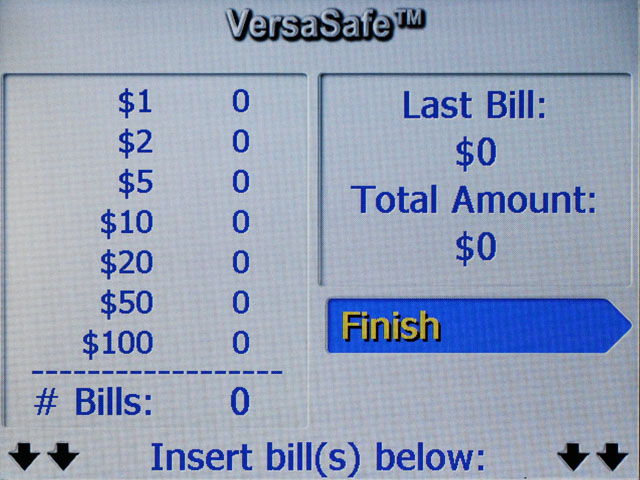
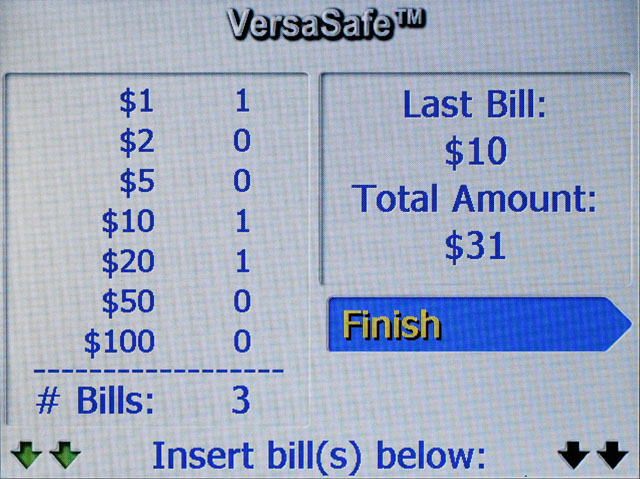
Insert a single bill into an active bill
acceptor. With each bill inserted, you will hear an audible
response to the bill's value and see the count of that denomination
increase on-screen. As each bill is processed, a running total
is displayed. Example
NOTE: The arrows at the bottom of the screen
may flash between black and green to indicate that the bill
acceptor is ready to accept bills. If arrows turn red, this
indicates a non-working or possibly full acceptor.
When the last bill is confirmed, press the
Finish (F3)
key to complete the deposit.